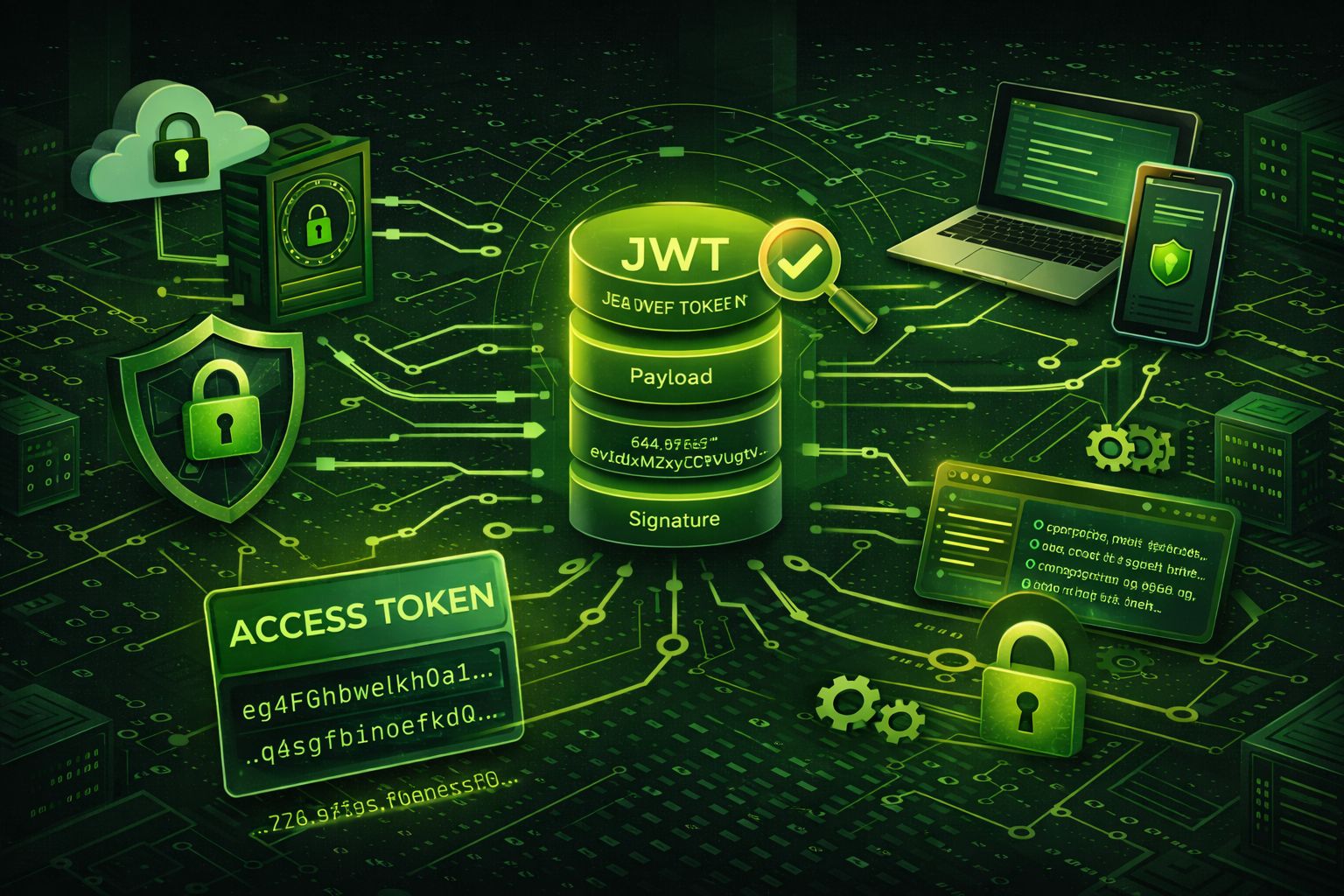
What Are JWT Tokens and OAuth2?
JWT (JSON Web Tokens) and OAuth2 are two key concepts in modern web security. They are crucial for protecting sensitive data, managing user authentication, and securing application access. In this article, we will dive deep into both technologies and explain their importance in building secure applications.
What is JWT?
JWT is a compact, URL-safe means of representing claims to be transferred between two parties. In simple terms, JWT allows you to securely transmit information between a client and a server as a JSON object. This data can be verified and trusted because it is digitally signed using a secret key or a public/private key pair.
A typical use case for JWT is user authentication. When a user logs in, the server generates a token containing information such as the user's identity, their roles, and any other metadata. This token is then sent to the client, which stores it (usually in localStorage or a cookie). On subsequent requests, the client sends this token back to the server for verification, enabling the server to authenticate the user's identity without needing to re-query the database.
What is OAuth2?
OAuth2 (Open Authorization 2.0) is an authorization framework that allows third-party applications to access user data without exposing credentials. It is commonly used to grant access to resources on behalf of a user, enabling services like "Login with Google" or "Login with Facebook" on various websites and apps.
OAuth2 uses access tokens to allow secure and controlled access to resources. The authorization server issues these tokens after the user grants permission. The client then presents the token to access the resource server on behalf of the user. OAuth2 provides a robust framework for managing various types of authorization flows, including authorization code flow, implicit flow, and client credentials flow.
How JWT and OAuth2 Work Together
While JWT and OAuth2 are distinct technologies, they often work together to provide secure and scalable user authentication and authorization systems. Typically, OAuth2 is used to authorize a third-party application to access user data, and JWT is used to securely transmit this access information.
- OAuth2 grants access to a user’s data by issuing an access token.
- JWT is used to carry this access token in a way that can be securely transmitted and verified.
- JWT tokens are signed by a server to ensure they have not been tampered with, and can be validated without querying a database.
- The token's payload may contain authorization information (such as user roles) to define access control in the resource server.
Security Best Practices for Using JWT and OAuth2
When implementing JWT and OAuth2 in your application, it is crucial to follow best security practices to ensure the safety and integrity of your system. Below are some key recommendations:
- Use Secure Storage: Always store JWT tokens securely. If you're storing them in a browser, use HttpOnly cookies to prevent cross-site scripting (XSS) attacks.
- Set Expiry Times: Ensure that JWT tokens have short expiration times. Use refresh tokens to obtain new JWT tokens when needed.
- Use Strong Secret Keys: The signing key for JWT should be kept secret and should be sufficiently complex to resist brute-force attacks.
- Implement HTTPS: Always use HTTPS to ensure the security of data in transit, especially when sending JWT tokens over the network.
- Verify Tokens Properly: Always verify the integrity of the JWT token using the correct public or private key before trusting its payload.
How to Decode JWT Tokens
When working with JWT tokens, it's often useful to decode them to inspect their contents, especially when debugging or validating tokens. A quick and easy way to do this is by using a JWT Decoder Tool. This tool allows you to paste in your JWT token and view its header, payload, and signature. It’s especially handy for developers looking to verify claims or troubleshoot token issues.
JWT vs. Sessions: Which One to Choose?
When it comes to user authentication, developers often have to choose between using JWT tokens or traditional session-based authentication. Both methods have their pros and cons, and the right choice depends on your application's needs.
- JWT Tokens: Ideal for stateless applications. Since the token contains all the information, the server does not need to store session data, making it scalable for distributed applications.
- Sessions: Typically stored on the server side, which can lead to stateful behavior. Sessions are easier to implement when the server needs to track user activity and maintain a centralized store of user states.
- JWT: Often more suited for APIs and microservices, as tokens can be passed around across different services without the need for session persistence on the server side.
- Sessions: More familiar for traditional monolithic apps, where the application is tightly coupled with the server, and less prone to issues with token expiration and complexity.
Ultimately, the decision should be based on your application’s scale, architecture, and security requirements. Many modern apps opt for JWT tokens because of their scalability and ease of use in microservices architectures.
Common Vulnerabilities in JWT and OAuth2 Implementations
While JWT and OAuth2 provide powerful security mechanisms, improper implementation can introduce vulnerabilities. Below are some common issues to watch out for when using JWT and OAuth2:
- JWT Vulnerabilities:
- Algorithm Downgrade Attacks: An attacker could modify the JWT header to switch to a weaker algorithm (e.g., from RS256 to HS256), which would allow the attacker to sign the token themselves.
- Token Expiration: Failure to properly implement token expiration can lead to tokens being used indefinitely, which increases the risk of a token being compromised.
- Exposure of Secret Key: If the private key used for signing the JWT is exposed, attackers can forge valid tokens and impersonate users.
- OAuth2 Vulnerabilities:
- Insecure Redirect URIs: If an attacker can control the redirect URI in an OAuth2 flow, they could intercept authorization codes or tokens.
- Access Token Leakage: Access tokens could be accidentally exposed in URLs or logs, allowing attackers to impersonate a user.
- Insufficient Scopes: Granting unnecessary or overly broad scopes during OAuth2 authorization could lead to excessive access to user data.
To mitigate these vulnerabilities, always ensure proper configuration, implement token expiration, secure your keys, and use secure communication channels (e.g., HTTPS) to prevent exposure of sensitive information.
Token Revocation and Refresh Tokens
Token revocation and refresh tokens are essential components of a robust authentication system. Let's explore these concepts in more detail:
- Token Revocation: Token revocation is the process of invalidating a JWT token before its expiration. This can be useful in scenarios where a user logs out, changes their password, or an account is compromised. Revoking tokens ensures that unauthorized users can’t access protected resources with an invalid token.
- Refresh Tokens: JWTs are typically short-lived to reduce the risk of misuse in case of theft. To provide a seamless user experience, refresh tokens are issued alongside access tokens. Refresh tokens can be used to request new access tokens without requiring the user to log in again. Refresh tokens usually have longer lifetimes, and their use is subject to careful security practices, such as storing them securely.
- When to Use Revocation and Refresh Tokens: For highly sensitive applications, it’s crucial to implement token revocation mechanisms and refresh token workflows to maintain security and user session control. Token revocation can be enforced using a centralized blacklist or by checking the token’s validity in a secure database.
Incorporating both revocation and refresh tokens into your JWT and OAuth2 systems ensures that user access can be controlled effectively and securely, without causing unnecessary friction for legitimate users.