Why You Need a Secure Password Generator ?
Weak or reused passwords are still one of the biggest security risks for developers, teams, and end users.
If you’ve ever copy-pasted the same test123 or password! into an API key, staging server, or test user — you’re not alone.
But generating secure passwords manually is time-consuming, and many online tools aren’t privacy-friendly. Some send data to remote servers or log user activity.
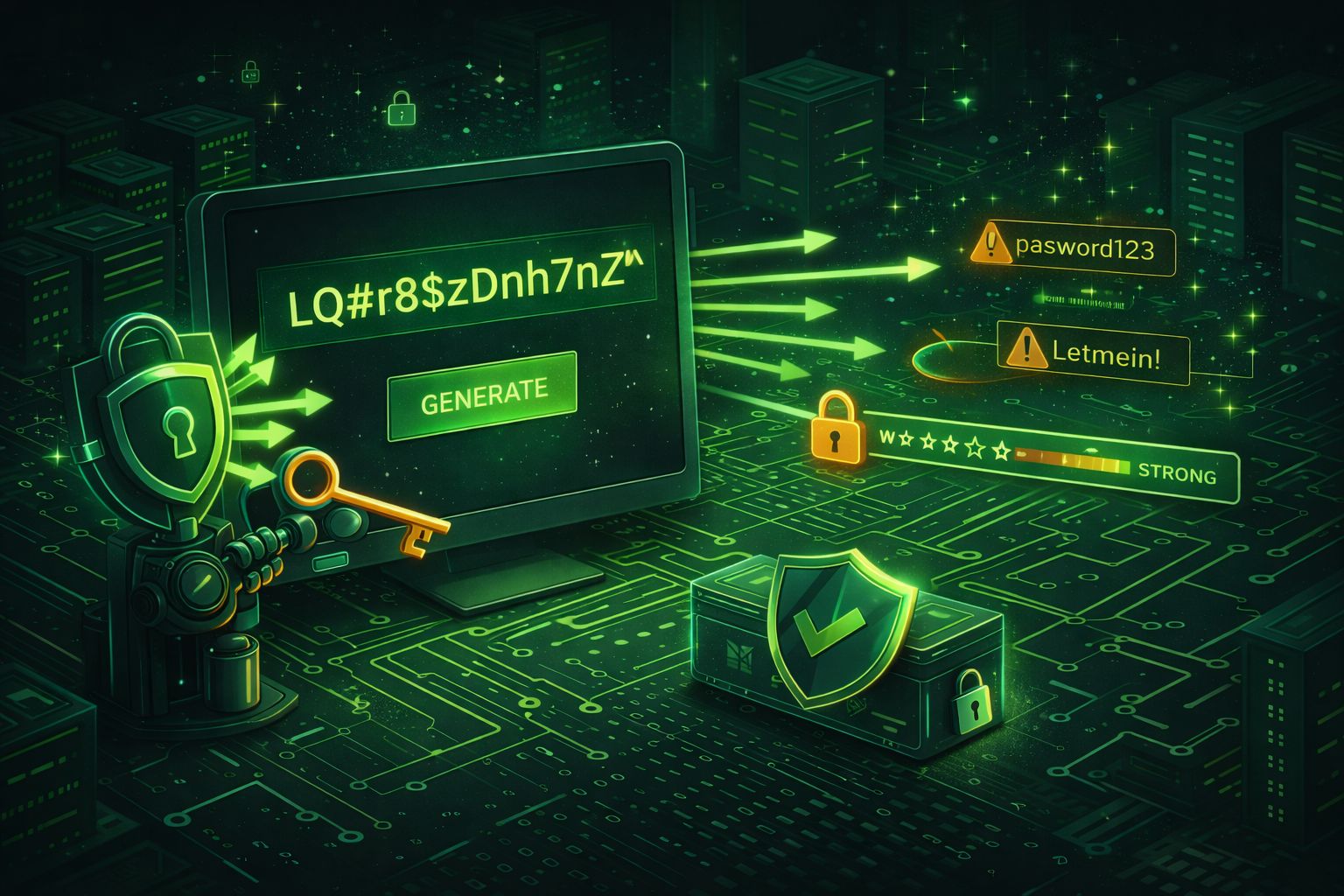
That’s why we built Secure Password Generator by DevToolsPro.org — a simple, browser-local utility that creates truly random passwords without sending any data anywhere.
How the Secure Password Generator by DevToolsPro.org Works ?
Our password generator runs entirely in your browser — no server calls, no cookies, no tracking scripts.
Here’s how it helps you:
Try it now: Secure Password Generator by DevToolsPro.org
What Makes a Password “Secure”?
A secure password should be:
Mathematically, password strength depends on entropy, which measures how unpredictable it is.
A password like MyP@ssw0rd1 looks complex but has only ~30 bits of entropy, while a random 16-character password like H!a3v^P0bYz1M$qW can have over 100 bits of entropy — exponentially harder to guess.
Understanding Password Entropy
Entropy is a mathematical measure of unpredictability — in passwords, it tells us how hard a password is to guess or brute-force.
In simple terms, higher entropy = stronger password.
Entropy is measured in bits. Each bit doubles the number of possible combinations:
- 1 bit → 2 possibilities
- 10 bits → 1,024 possibilities
- 20 bits → ~1 million possibilities
- 40 bits → ~1 trillion possibilities
- 100 bits → practically impossible to brute-force
The formula for entropy is: Entropy = log2(NL) = L × log2(N) Where:
- L = password length
- N = number of possible characters in the character set
For example: Only lowercase letters (26 possibilities): N = 26
Add uppercase (52)
Add digits (62)
Add symbols (say 95 total on a standard keyboard)
If your password has 12 random characters using 95 possible symbols:
Entropy = 12 × log2(95) ≈ 12 × 6.57 = 78.8 bits of entropy
That’s already astronomically stronger than something like MyP@ssw0rd1.
How Much Entropy Do You Need?
| Entropy Range | Strength | Suitable For | |
|---|---|---|---|
| < 40 bits | Weak | Avoid — easily guessed | |
| 40–60 bits | Medium | Low-risk accounts | |
| 60–80 bits | Strong | Most secure logins | |
| > 80 bits | Very strong | Long-term or critical protection |
A random 12–16 character password with mixed characters easily exceeds 80 bits, making it extremely secure even against powerful brute-force attacks
In short: entropy = unpredictability. The more unpredictable your password is, the safer your digital life becomes.
Best Practices for Developers
If you’re a developer, password generation isn’t just for login credentials. You can use strong random strings for:
Try it now: Secure Password Generator by DevToolsPro.org
Why DevToolsPro.org Is Different ?
Unlike many online utilities, DevToolsPro is designed with privacy and speed in mind.
Here’s what makes it stand out:
You get the convenience of cloud tools with the privacy of local execution.
How to Use It (Quick Guide) ?
1. Visit Secure Password Generator by DevToolsPro.org
2. Select your desired length (8–32 characters)
3. Choose character types — uppercase, lowercase, numbers, symbols
4. Click Generate Password
5. Copy instantly and use it wherever needed
That’s it — no sign-ups, no waiting, no tracking pixels.
Share or Save
If you find the password generator useful, share it with your team or add it to your dev bookmarks!
Every share helps us grow while keeping tools free and privacy-first.
“A lightweight tool that respects your privacy — it’s the kind of dev utility I wish more people built.” - — a DevToolsPro.org user
Final Thoughts
Secure password generation shouldn’t be complicated — and it definitely shouldn’t compromise privacy.
With the Secure Password Generator by DevToolsPro.org, you can create strong, random passwords instantly and safely, right in your browser.
Try it now! Visit Secure Password Generator by DevToolsPro.org